# Documentação [Via App] (GESTÃO DE CONTAS)
Guia simples para configurar e usar no dia a dia.
**Neste documento**
1. Na IlliStore, instalar os Apps (@I-SNP-337M // @I-SNP-337MM)
2. [Configurar a integração](#bkmrk-1.-configurar-a-inte)
3. [Impressora no Gestor](#bkmrk-2.-impressora-no-ges)
## 1. Instalação dos Apps
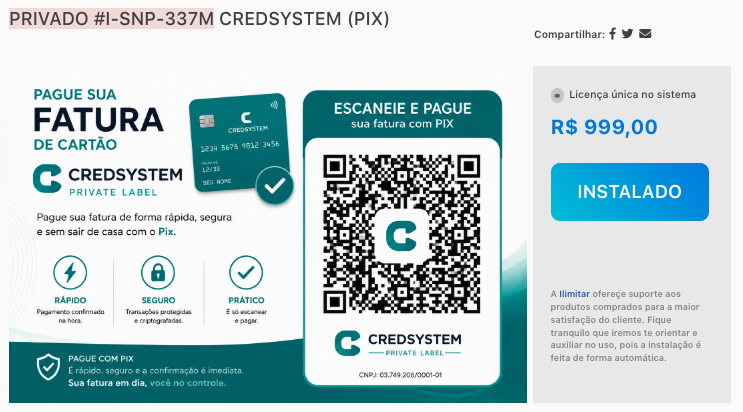
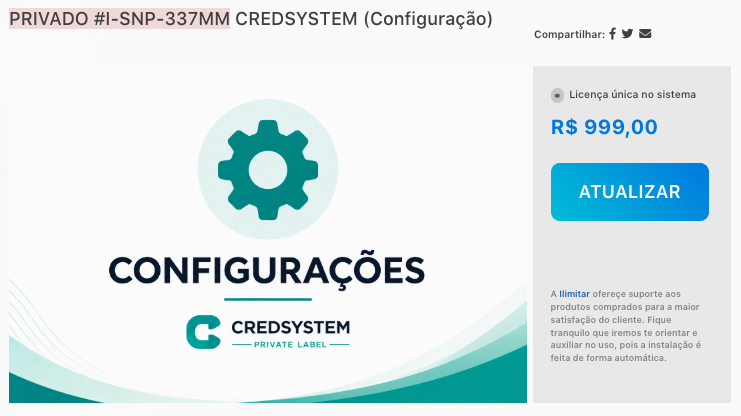
Na IlliStore, precisamos instalar os 2 Apps e conferir se as bibliotecas abaixo foram importadas
981bfb94-afe7-4956-8ecd-4ecbc3b45246
88e14c87-331c-485b-95f8-8f63d76d446d
857e21c5-203f-4943-b60d-9258bf0ebd7e
f3d67c71-a1f9-4709-a81f-de0a4bb1f6e6
[](https://kb.illimitar.pro/uploads/images/gallery/2026-07/app.png)
[](https://kb.illimitar.pro/uploads/images/gallery/2026-07/app1.png)
## 2. Configurar a integração
Salve as credenciais da Credsystem **por loja** (API OAuth).
**Acesso — Config API OAuth** `/bibliotecas/981bfb94-afe7-4956-8ecd-4ecbc3b45246/api_integracao_credsystem`
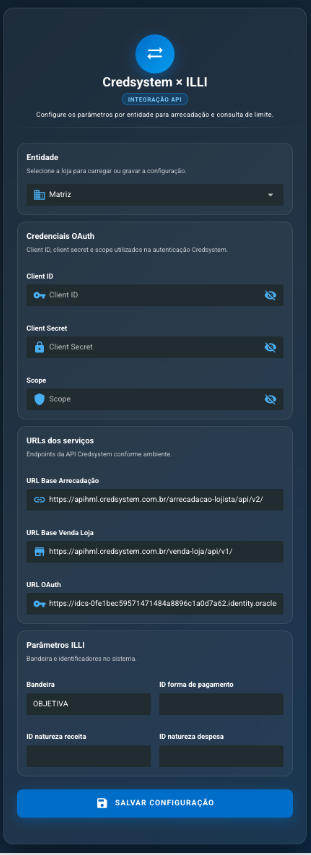
Tela de configuração da API OAuth
[](https://kb.illimitar.pro/uploads/images/gallery/2026-07/001.png)
**Passo a passo**
1. Escolha a **Entidade** (loja).
2. Preencha Client ID, Client Secret e Scope.
3. Confira as 3 URLs (homologação ou produção).
4. Preencha Bandeira e os IDs do ILLI.
5. Clique em **Salvar configuração**.
### O que cada campo significa
Entidade
Loja que está sendo configurada.
Client ID
Usuário técnico da API.
Client Secret
Senha técnica da API.
Scope
Permissão do token.
URL Base Arrecadação
Endereço para pagamentos e títulos.
URL Base Venda Loja
Endereço para limite e planos.
URL OAuth
Endereço para gerar o token.
Bandeira
Em geral `OBJETIVA`.
ID forma de pagamento
Código da forma Credsystem no ILLI.
ID natureza receita
Natureza do recebimento.
ID natureza despesa
Natureza do estorno/desfazimento.
## 3. Impressora no Gestor
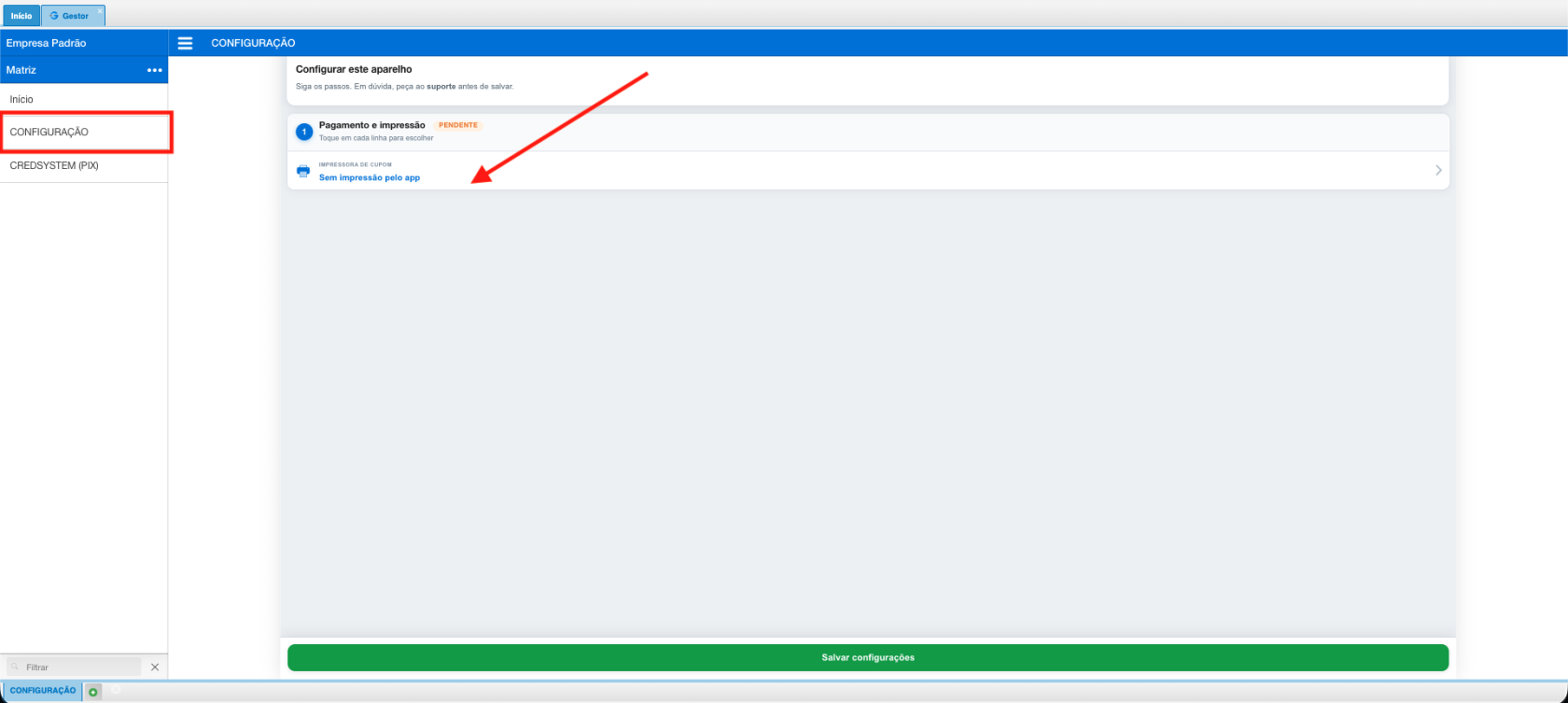
Para o comprovante sair no caixa, configure a impressora do operador no Gestor.
[](https://kb.illimitar.pro/uploads/images/gallery/2026-07/gestorconfig.png)
Tipo de impressora
Bluetooth, USB, Rede, GPOS, Clover… ou Nenhum.
Nome do dispositivo
Nome da impressora.
MAC (Bluetooth)
Endereço da impressora Bluetooth.
IP e Porta (Rede)
Usados no tipo Rede (porta comum: 9100).
Colunas
Largura do cupom (ex.: 48).
Salve e faça um teste de impressão.
Credsystem × ILLI · Guia do usuário